What is the MMS Reading Add-on, and why isn't it built into the app?
Enhanced SMS & Caller ID normally reads your MMS messages by watching the notification your regular messaging app posts — that works for most phones and messaging apps, no extra setup needed.
On some phones or messaging apps, that notification doesn't contain enough for the app to read reliably. The MMS Reading Add-on is a small, separate app that reads MMS messages directly for those cases (and picks up RCS messages too, as a side effect of how most messaging apps store them — see the caveat below).
It has to be a separate app because Google Play only allows the "read SMS" permission this needs for apps set as your phone's default messaging app — and Enhanced SMS & Caller ID isn't (and can't be) a full messaging app. So the add-on is self-distributed: download it from this page and install it yourself. It can't be published on the Play Store.
Download the MMS Reading Add-on (APK)
Installing it
- Download the APK above on your phone, then open the downloaded file. Your browser or file manager may ask you to allow installing unknown apps the first time — that's expected for any app installed outside the Play Store.
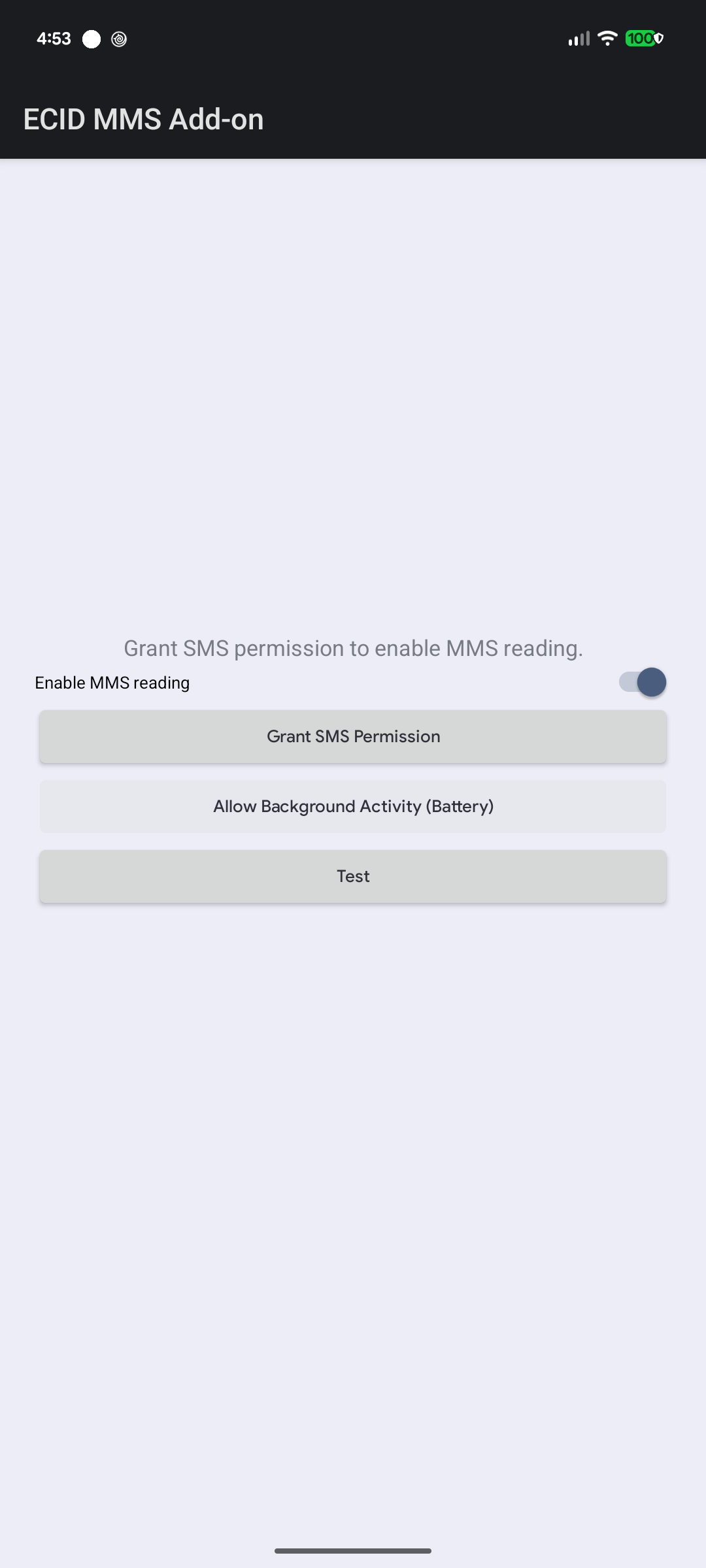
- Open "ECID MMS Add-on" and tap Grant SMS Permission.
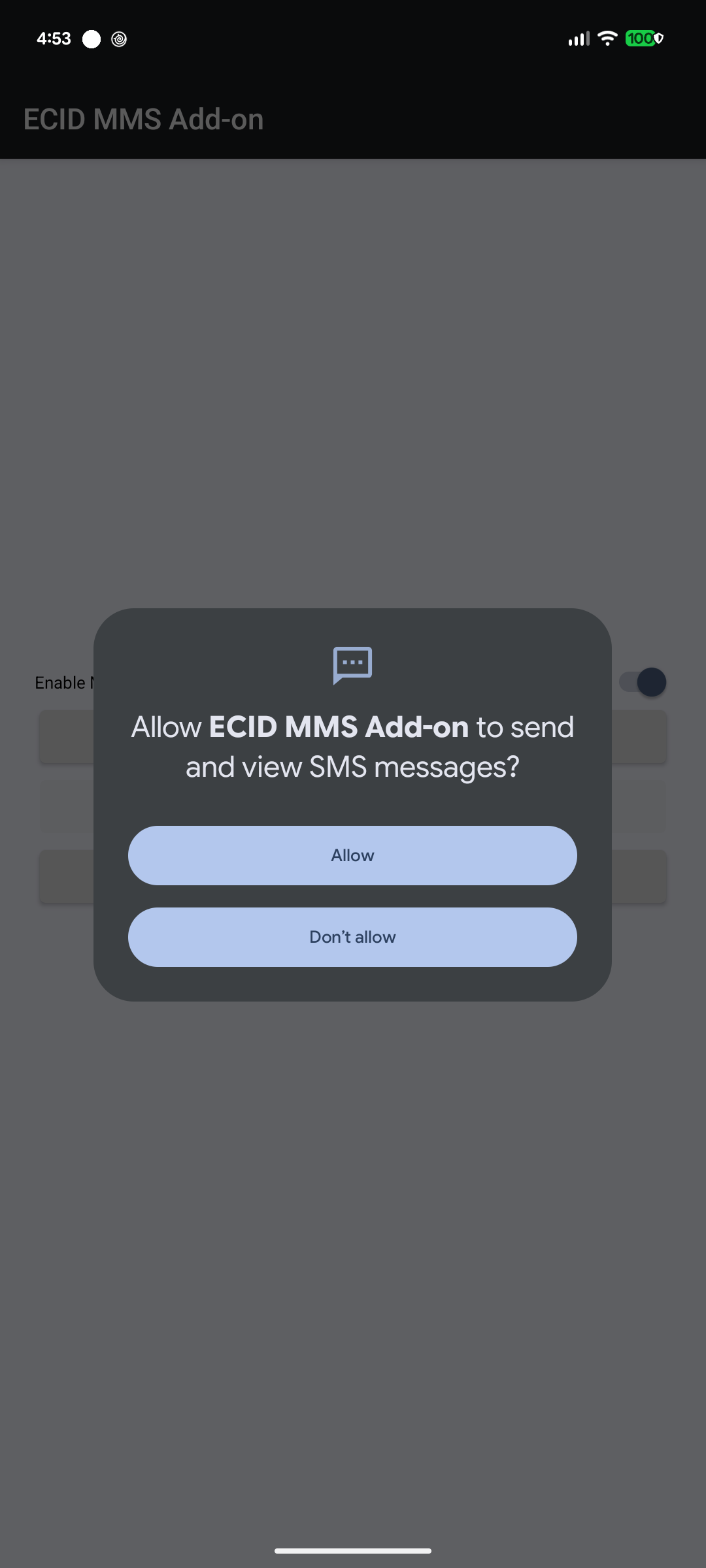
- Tap Allow on the system permission prompt.
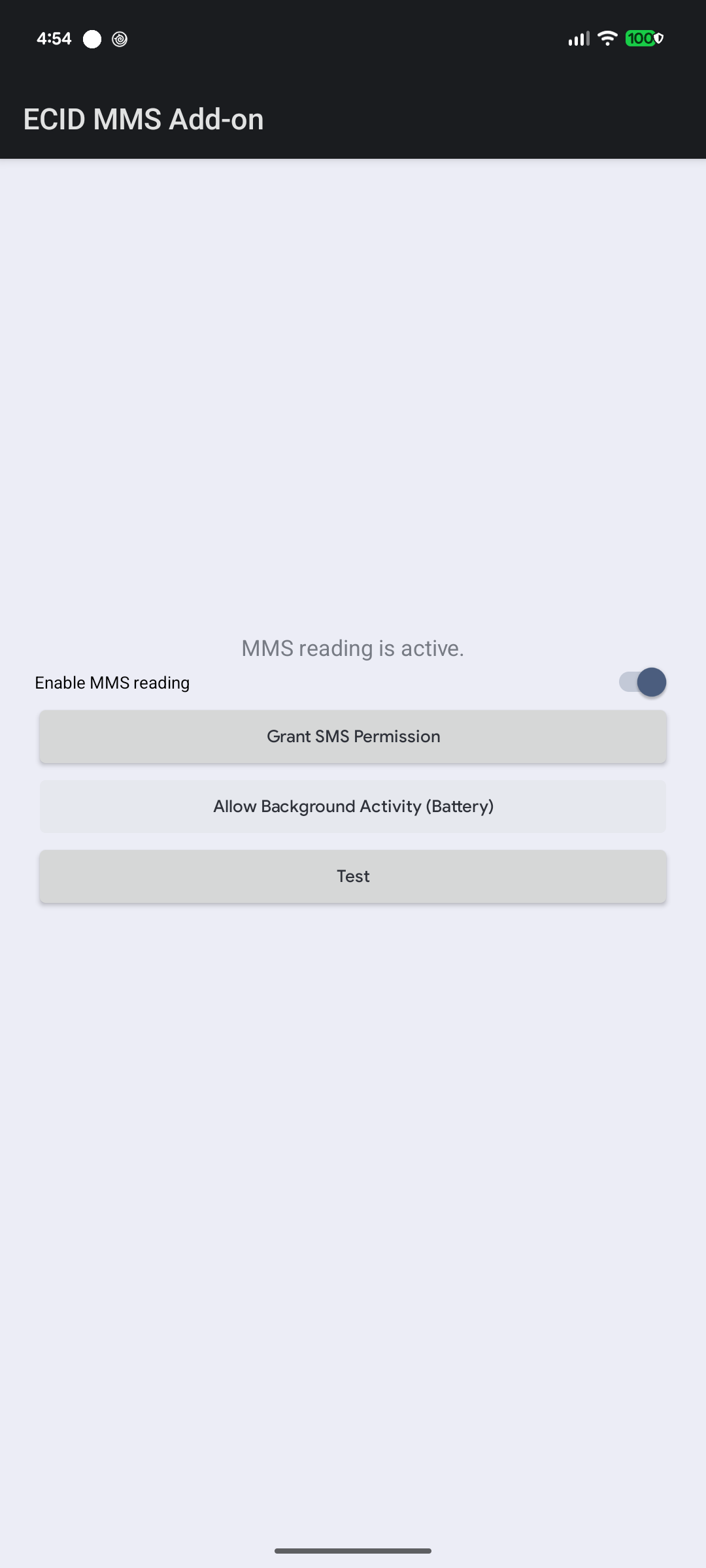
- You'll see "MMS reading is active." — you're done. Also tap Allow Background Activity (Battery) so your phone's battery optimizer doesn't stop the add-on from noticing new messages.
- Tap Test to confirm the add-on is paired with Enhanced SMS & Caller ID — you should hear a spoken test message within a few seconds.
One honest caveat: Android doesn't have an official RCS API. The add-on's RCS support only works because most messaging apps mirror RCS messages into the same storage as regular SMS — reliable in practice, but not a guarantee.
The add-on only pairs with an official copy of Enhanced SMS & Caller ID. If you've side-loaded a modified build of the main app, the add-on won't be able to work with it.