How do I save my settings?
You can backup and restore your settings quite easily with Enhanced SMS & Caller ID.
If you open the application, and click on your menu screen, you should see an option called Manage Preferences.
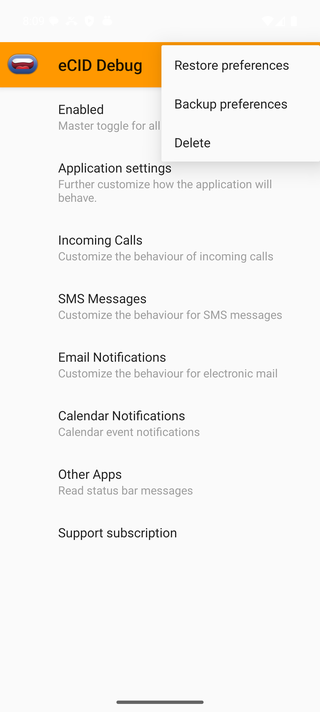
If you select that option, you'll be presented with the choice of Backup preferences, Restore preferences, or Delete.
Backing up or restoring then gives you a second choice: save to (or load from) a local file, or use Cloud Backup to store your preferences online instead. Cloud Backup requires an active subscription, and the first time you use it we'll email you a 6-digit code to verify it's you.
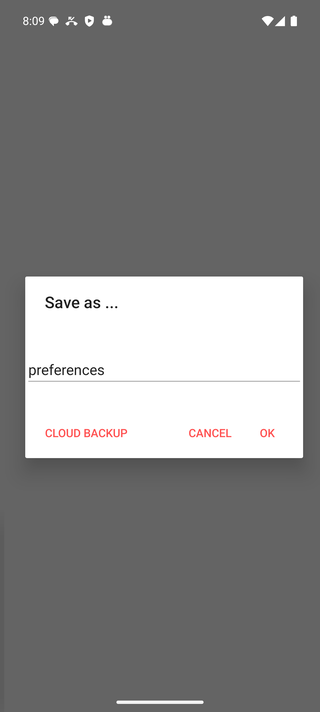
Local backups are stored in the app's own storage, in a folder called enhancedsmscallerid.